Welcome to CLEM
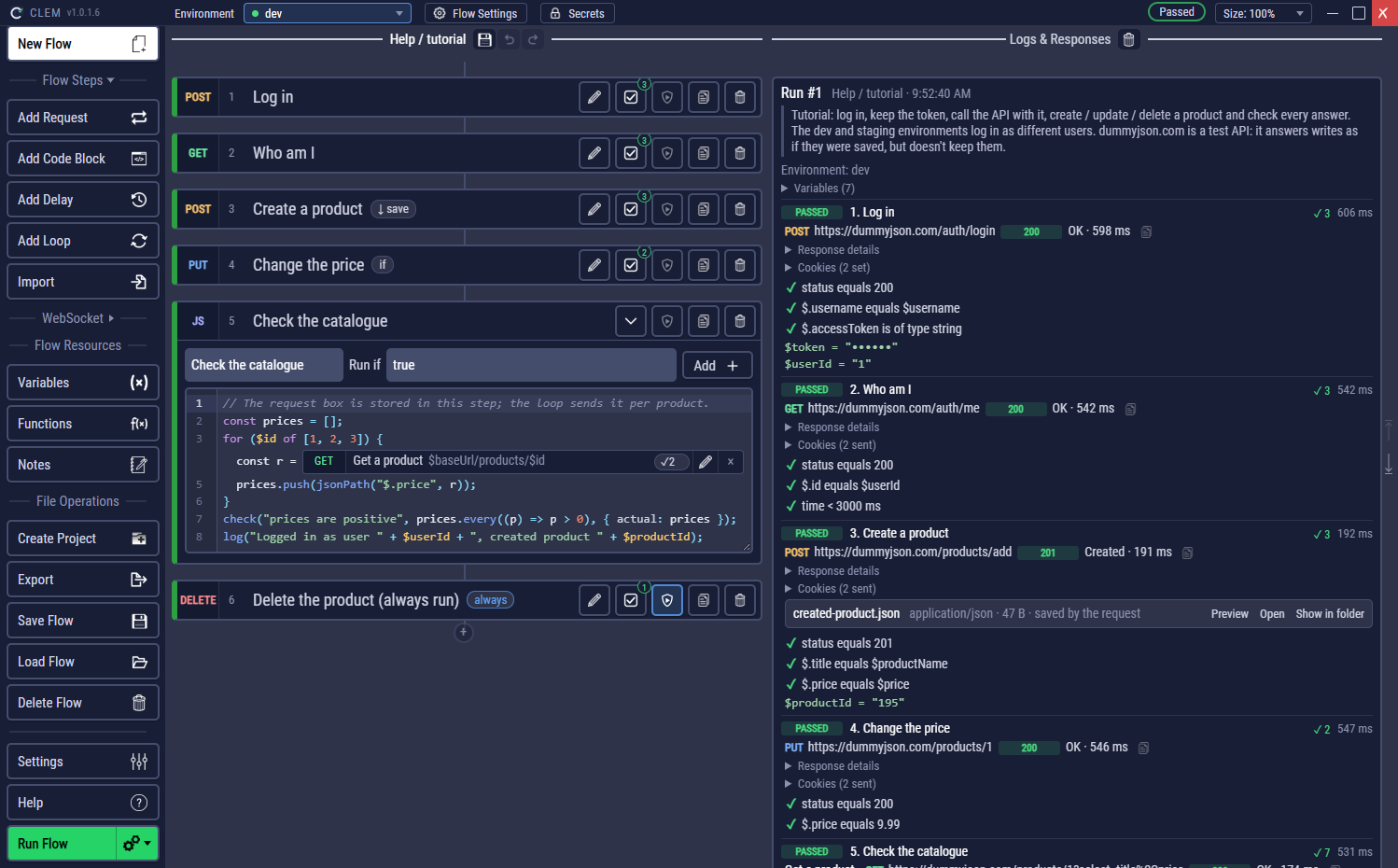
CLEM builds and runs REST API tests as flows: a list of steps (requests, code and pauses) that run top to bottom, pass values to each other and check every answer. Run them in the app, hand them to CI as plain Node.js scripts, or let an AI client build them for you.
What you can do with it
- Test an API end to end. Log in, keep the token, create, read, update and delete, and check status codes, headers, JSON, XML and JSON Schemas on the way.
- Run the same flow against dev, staging and prod. Environments hold the values that change; secrets keep passwords encrypted on your computer and out of every file.
- Go beyond request and response. GraphQL queries, server-sent events, and WebSockets: send messages, wait for the replies, and keep a connection open while REST steps run.
- Script what clicks can't do. Code blocks are JavaScript (Node.js) with helpers for requests, JSON paths, files and cookies, and they can loop over requests.
- Run in CI. Export a flow or a whole project as standalone scripts that write HTML reports, JUnit XML and JSON summaries.
- Start from what you have. Import cURL commands, Postman, Bruno and Insomnia collections, OpenAPI / Swagger descriptions and browser HAR recordings.
Where to start
Example flows
Every page that teaches a feature comes with an example flow you can open and run. They use free public test APIs, dummyjson.com and httpbin.org, so they need internet access but no account.
The flows below are in your workspace as the project Help: open one with Load Flow. A second project, Examples, has a numbered walk through every feature. The installer adds both (Windows: a checkbox, on by default; Linux and macOS: on the first start), and Help → Add the example projects adds them any time: see The example projects.
| Flow | What it shows | Page |
|---|---|---|
| first-request | One request and two checks | Getting started |
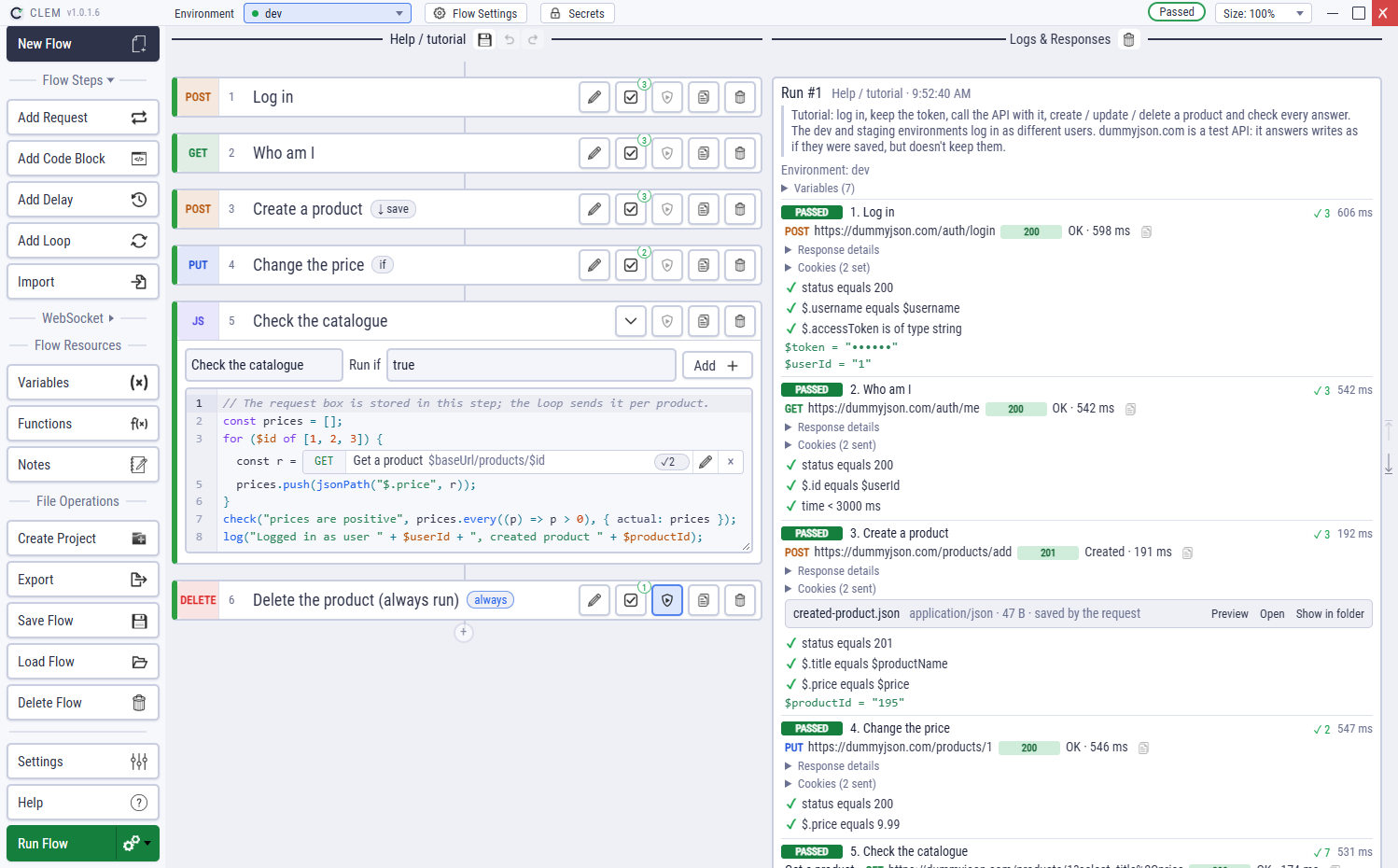
| tutorial | Login, Bearer token, create / update / delete, a request in a loop, cleanup, environments | Tutorial |
| checks | Every kind of check, assertion helpers | Checks |
| code-loops | Retries, a request in a loop, shared variables | Code blocks |
| always-run | Cleanup that runs after a failure | Always run |
| auth | Basic, Bearer, API key | Auth |
| graphql | A GraphQL query with variables | GraphQL |
| files | Multipart upload, download, files in code | Files |
| cookies | Starting cookies, Set-Cookie, the cookies helper | Cookies |
| data-driven | One run per row of a CSV file | Data-driven runs |
A few words used everywhere
| Word | Meaning |
|---|---|
| Flow | A test: steps, variables, functions and settings, saved as one .clem.json file. |
| Step | One thing a flow does: a request, a code block or a delay. |
| Project | A folder of flows that share environments, secrets and files. |
| Variable | A named value such as $baseUrl, written anywhere a request has text. |
| Check | A rule on a response (status 200, $.id exists…). A failed check fails its step. |
| Run | One execution of a flow, with its log, and optionally a report. |
In the app, the ? next to a panel's title opens the page of this guide about that panel. The Help button on the left lists every page.