GraphQL
Send GraphQL queries and mutations from a request step, with a query editor that completes from the server's schema.
Example flow
examples/Help/graphql.clem.json asks the public countries API (countries.trevorblades.com) for one country, passing its code from a CLEM variable.
A GraphQL request
In the request editor, Body → Send: GraphQL gives a query editor and a variables box. The request goes out as JSON { query, variables, operationName } with POST (choosing GraphQL switches a new GET request to POST), or as query parameters with GET.
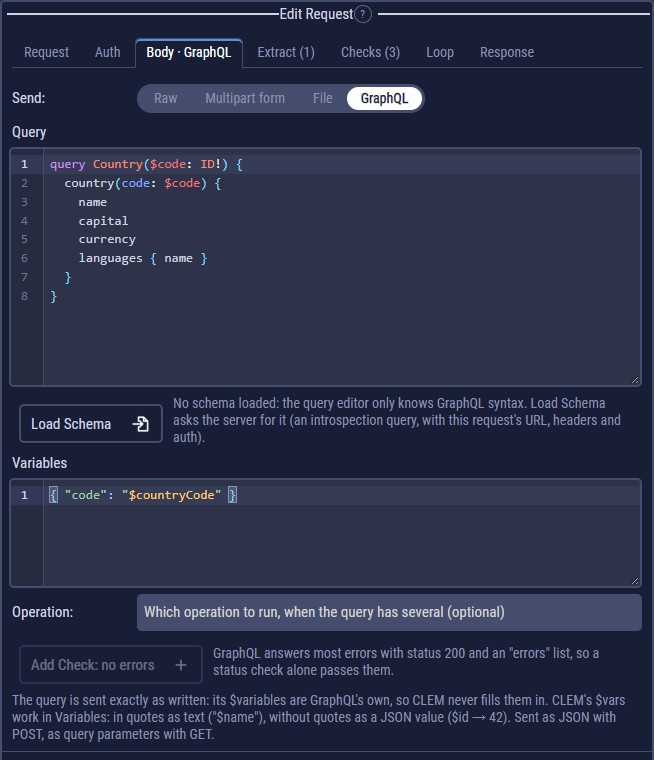
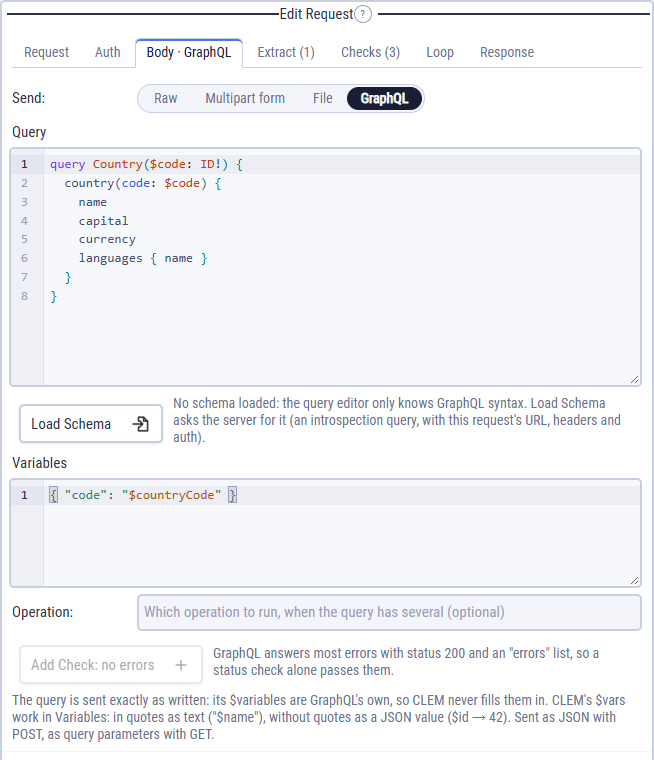
$code, filled from the CLEM variable $countryCode.query Country($code: ID!) {
country(code: $code) {
name
capital
currency
languages { name }
}
}{ "code": "$countryCode" }Two kinds of $variables
GraphQL has its own $variables, so CLEM never fills in anything in the query, even when a CLEM variable has the same name. Put CLEM values in Variables, which is JSON:
- in quotes, a $var goes in as text:
"name": "$userName"; - without quotes, as a JSON value:
"id": $userIdgives42; a list or object from code stays one; a text value gets its quotes.
Schema and completion
Load Schema asks the server for its schema (an introspection query sent with this request's URL, headers, auth, environment and proxy). The editor then completes fields, arguments and types, and marks what the schema doesn't have. Without a schema it checks the syntax only. Schemas are kept until the app closes; Reload Schema fetches it again.
Operation picks one operation when the query holds several.
Checking GraphQL answers
GraphQL servers answer most errors with status 200 and an errors list, so a status check alone passes them. Add Check: no errors adds a JSON path check that $.errors does not exist. Read the data with JSON path checks and extracts as usual: $.data.country.name equals France.
GraphQL from code
const r = await http({
  method: "POST",
  url: $api,
  graphql: { query: "query ($code: ID!) { country(code: $code) { name } }", variables: { code: "DE" } },
});
log(jsonPath("$.data.country.name", r));
Here variables is a plain object and nothing is filled in.