Environments
One flow, many targets. An environment (dev, staging, prod…) holds the values that change from one to the next: the base URL, the users, the keys. Pick one in the title bar and the flow runs against it.
Example
The Help project's environments.json has dev (logs in as Emily) and staging (as Michael). The tutorial flow uses them.
Flow variables and environment variables
- Flow variables (the Variables panel) are this flow's own values, the same in every environment: test data, ids, names.
- Environment variables are the values that change per target: $baseUrl, users, tokens.
Environments belong to the project and are shared by all of its flows; flows without a project share their own set.
Creating and editing them
Pick Manage environments… in the title bar's environment picker, or follow the link in the Variables panel.
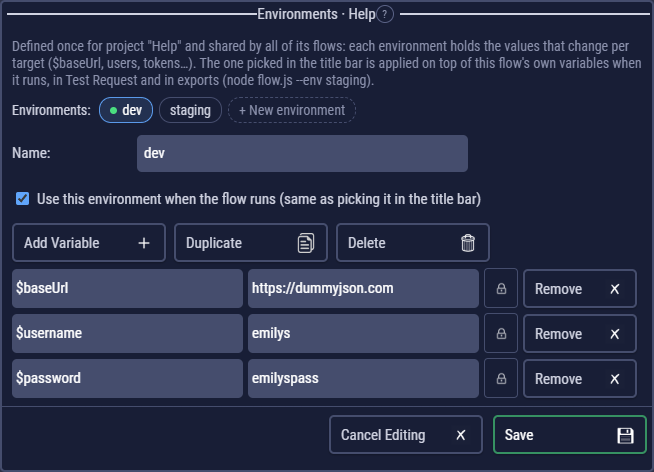
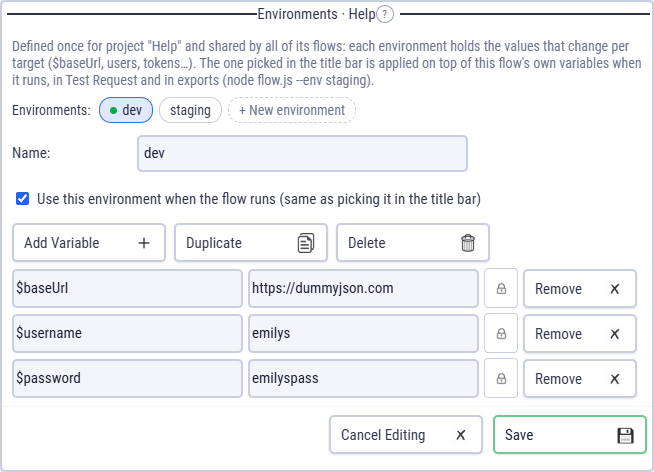
Pick one in the title bar (Environment: …). Each flow remembers the one it uses, and switching isn't an unsaved change.
How they apply
When the flow runs (and in Test Request), the selected environment is laid over the flow variables: a name it defines takes its value, and new names are added. The Variables panel shows both: your flow variables, marked "overridden by …" where the environment wins, and the environment's values below them.
In code, environment variables are blue and flow variables amber; code that assigns an environment variable gets a yellow warning, because the change lasts only for this run.
The full order (data rows, secrets and command-line values win over environments) is in Where a value comes from.
Passwords belong in secrets
Environment values are saved in plain text in the project (environments.json). For passwords, tokens and keys use secrets, which can also have a value per environment. The lock on a variable's row turns it into a secret.
In exported flows
Export writes the project's environments to <project>.environments.json next to the script: one file for every flow exported from that project, so editing it changes them all without exporting again (each script also keeps a copy, used when the file is missing).
node flow.js                          # the environment selected at export
node flow.js --env staging            # another one
node flow.js --env none               # none
node flow.js --environments other.json
node flow.js --set $baseUrl=https://qa.example.com   # wins over everything
clem-suite.js passes --env and --environments to every flow.