Files: uploads and downloads
Upload files as forms or raw bodies, receive PDFs and images, preview them in the log and keep them under names you choose.
Example flow
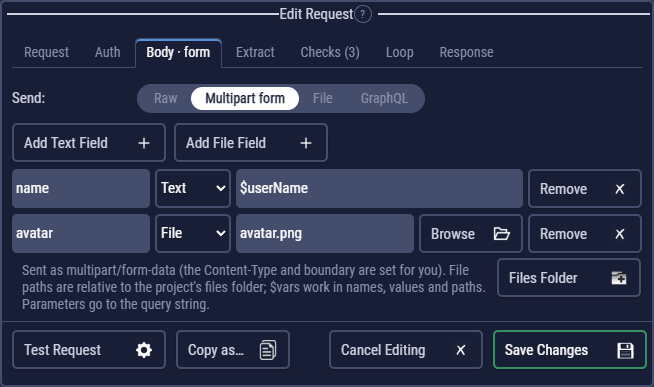
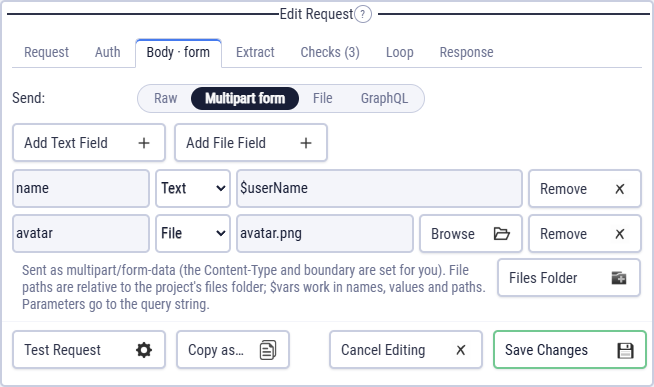
examples/Help/files.clem.json uploads a form with an image (files/avatar.png), downloads a PNG and saves it as images/sample-$userName.png, and reads a CSV file in code.
examples/Examples/20_response_viewers.clem.json shows each viewer of Response details: JSON, XML, HTML, an image and a large list.
The files folder
Each project has a files folder for the files its requests upload. Relative paths are read from there, so a flow keeps working on another computer and in exports. When you pick a file from elsewhere with Browse, CLEM offers to copy it in. Files Folder opens it. $vars work in paths: invoices/$orderId.pdf.
Uploads
In the request editor's Body tab, Send:
- Multipart form: text and file fields, like an HTML upload form. Add Text Field / Add File Field. A text field imported from Postman or Bruno with its own content type (
application/json) is sent with it. - File: the file's bytes are the whole body (for example
PUT /avatarwith an image). Give it a content type that matches the file.
Files in responses
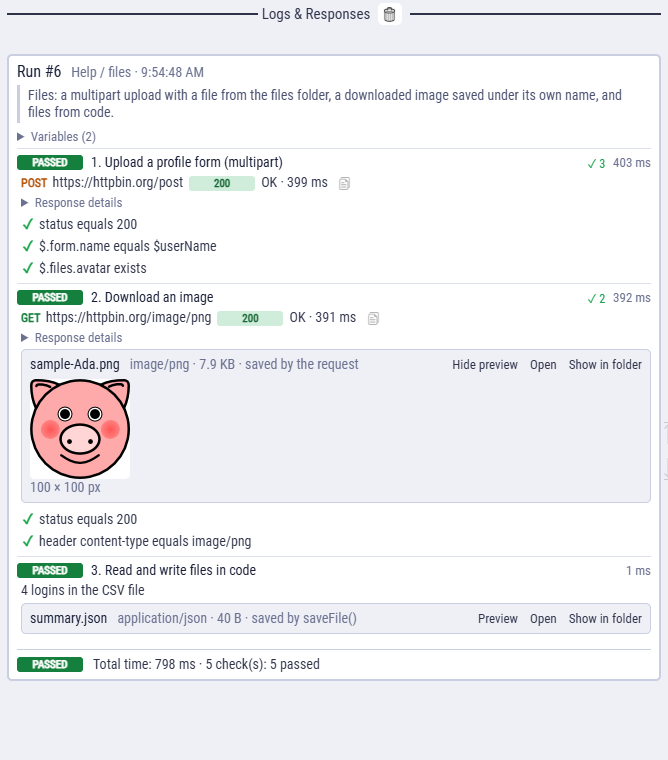
A PDF, image, archive or any other binary response isn't shown as text. It is saved in the run's output folder (Settings → Output folder) and shown in the log as a file card with Preview, Open and Show in folder.
A multipart response (an echo of a form, a batch API) is shown as text: its fields as they are, and each file part as one line, such as <binary part "pic": image/png, 3.2 KB>. Body checks and extract rules work on that text.
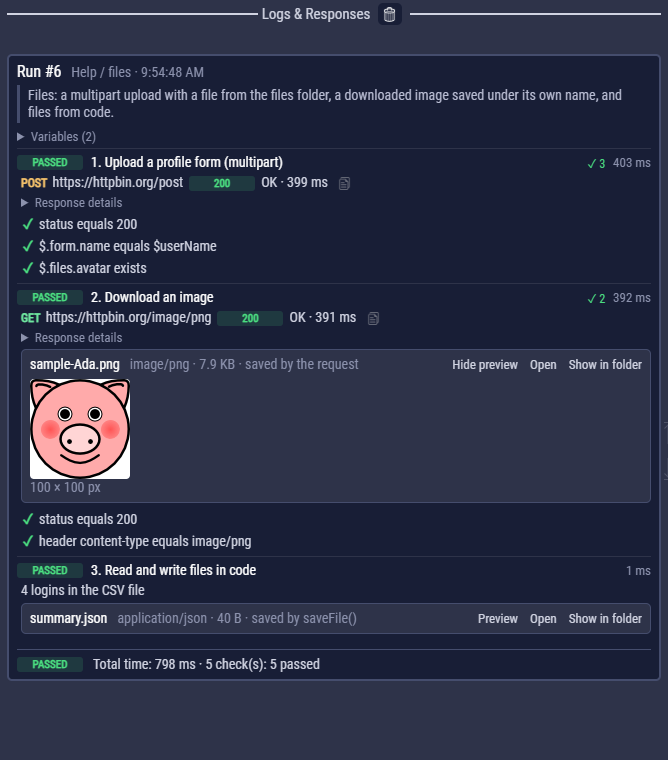
Previews: JSON as a collapsible tree, XML as a tree, CSV and TSV as a table, HTML and other text as source, images inline, PDFs in a viewer window. Text responses get the same viewers, with a Raw tab. Nothing is cut, however long.
Saving a response
On the Response tab, Save the response body to a file keeps any response under a name you choose, relative to the run's output folder: invoices/invoice-$id.pdf. Only when the status is 2xx skips error pages.
Files in code
| Helper | Does |
|---|---|
file(path, { fileName, contentType }?) | A file to upload, for http(). |
readFile(path) | A file from the files folder as text; readFile(path, null) as a Buffer. |
saveFile(path, data) | Writes a response, Buffer, text or JSON value to the output folder. The log shows it with a preview. |
response.buffer | The raw bytes of the last response; also size, contentType, isBinary, fileName. |
// Upload a file and a field (multipart)
const r = await http({ method: "POST", url: $api + "/upload", multipart: { title: "Q3", doc: file("reports/q3.pdf") } });

// One request per row of a CSV file in the files folder
for (const line of readFile("users.csv").trim().split("\n").slice(1)) {
  const [id] = line.split(",");
  await request("rq_user", { $id: id });
}

// Keep a downloaded file under your own name
saveFile("invoice-" + $orderId + ".pdf", response);
To run a whole flow once per CSV row, you don't need code: see Data-driven runs.
In exported flows
An export copies the files the flow uploads next to the script (<flow>.files, or <project>.files for a project). Saved responses go to ./clem-output/ unless --out-dir says otherwise; --save-binary keeps every binary response. Command-line options.