Checks (assertions)
A request only fails on its own when the network fails or it times out: a 500 or a wrong body is still an answer. Checks say what a right answer is, and a failed check fails the step.
Example flow
examples/Help/checks.clem.json: every kind of check on a product search, the assertion helpers in code, and XPath checks on an XML document.
Adding checks
Click the ✓ button on a request step (it shows how many checks the request has), or open the request's Checks tab, and click Add Check. Requests inside code blocks have the same tab.
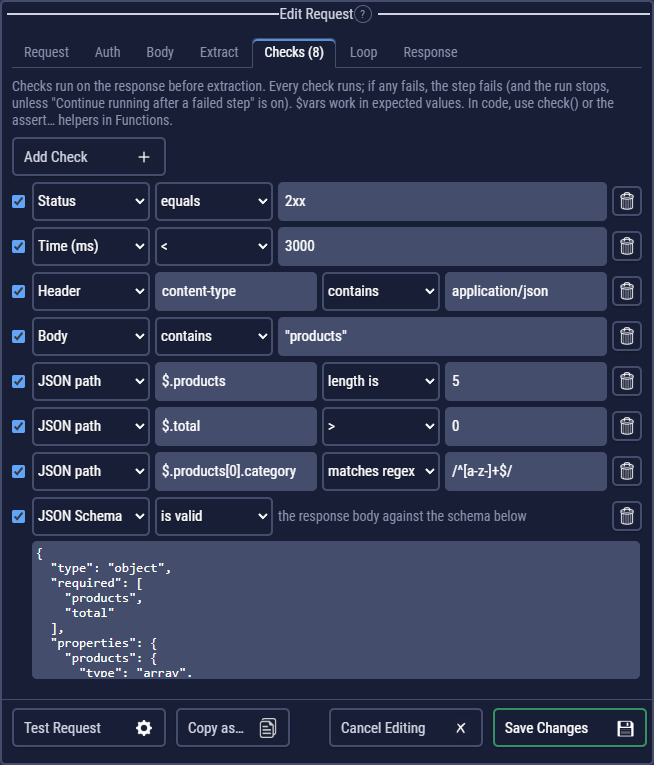
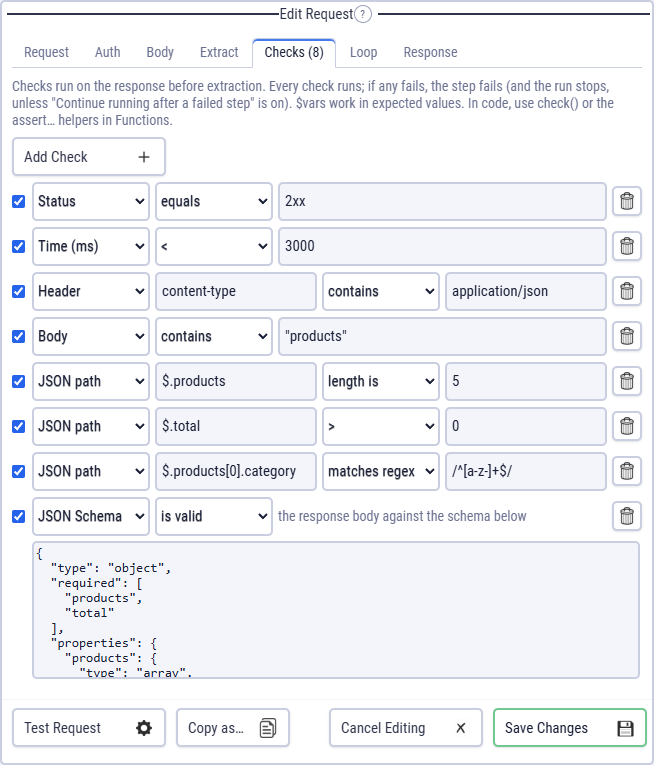
Untick a check to keep it without running it. Expected values can use $variables: $.username equals $username.
What a check can look at
| Target | Path | Operators | Example |
|---|---|---|---|
| Status | equals, not equals | 200, 2xx, 200-299, 200,201,204 | |
| Time (ms) | <, ≤, >, ≥ | below 800 | |
| Header | the header name | exists, not exists, equals, not equals, contains, not contains, matches | content-type contains application/json |
| Body | contains, not contains, matches, equals | contains "products" | |
| JSON path | $.items[0].id | equals, not equals, exists, not exists, contains, not contains, matches, <, ≤, >, ≥, type, length | $.total > 0 |
| Events (SSE) | $.length, $[0].data.id | the JSON path operators, over the list of events of an event stream | $.length ≥ 3 |
| Messages (WebSocket) | $.length, $[0].data.type | the JSON path operators, over the messages a WebSocket received | $[0].data.type equals pong |
| XPath | //order[1]/@id | the same, plus count | //slide count 2 |
| JSON Schema | valid | the schema as JSON (draft-07, 2019-09 or 2020-12) |
JSON paths
$.user.name: a field;$.items[0]: the first item;$.items[-1]: the last.$.items[*].id: every item's id, as a list;$.items.length(or the length operator): how many.- type takes
string,number,boolean,object,arrayornull. - matches takes a regular expression, with flags as
/phone/i.
XPath works on XML and HTML: //title, count(//item), //a/@href.
Results
Checks run before extraction, and every one runs, even after one failed. Each shows as a pass / fail line under its request in the log (and in reports, JUnit XML and summaries), with the actual value when it failed.
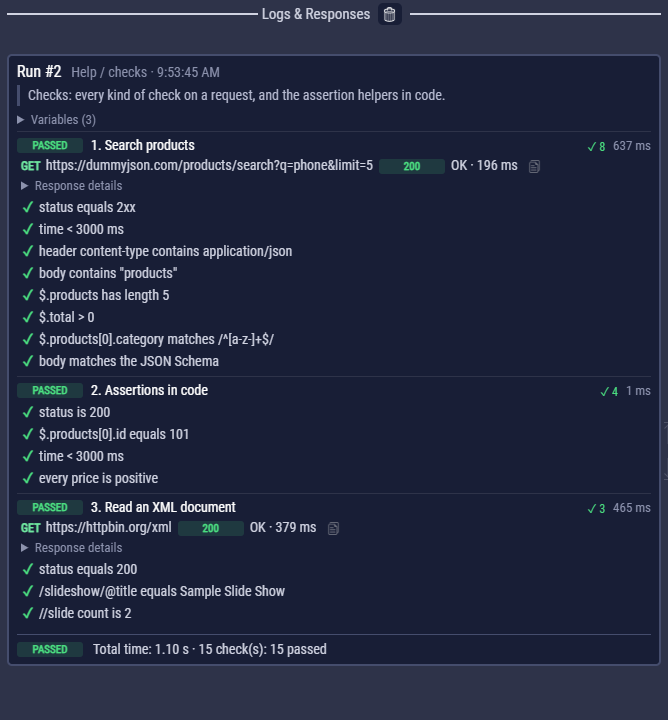
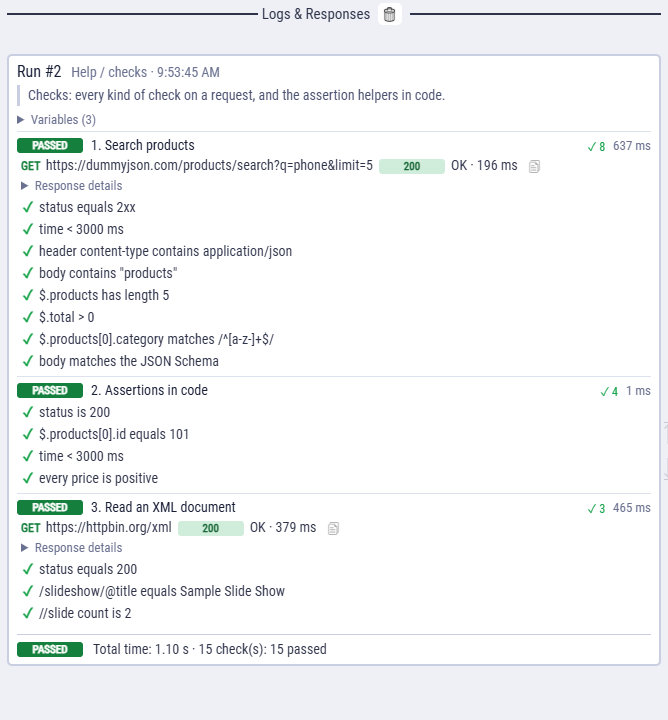
Test Request previews them before you save.
Requests without checks, and 4xx / 5xx
By default a request passes whatever status it gets: a 404 or 500 shows in red in the log, but the step passes unless a check fails. That keeps negative tests simple (expect 401 without a token, 404 after a delete), but a request without checks can hide a server error.
To catch those, turn on Flow Settings → Fail requests on a 4xx / 5xx status. Then a request without a Status check fails on 400 or more, with a failed check status is not 4xx / 5xx in the log and reports.
- A Status check decides instead: give a request that expects
404the check Status equals404. - A request with Loop on is left alone: its "until response code is" says what it expects.
- Other checks (JSON path, Body…) don't replace a Status check.
http()calls in code are never affected; check them withcheck()orassertStatus().
Checks in code
check(label, pass, { actual, expected }) records a check the same way, without stopping the code, and returns pass. The log shows actual and expected as JSON, except that NaN and Infinity show as themselves (so a parseInt of a missing value reads NaN, not null). New flows also start with assertion helpers in Functions, built on check():
| Helper | Checks |
|---|---|
assertStatus("2xx") | the last response's status |
assertTimeBelow(800) | its time |
assertHeader(name, expected) | a header |
assertJsonPath("$.id", 42) | a JSON path's value |
assertSchema(schema) | the body against a JSON Schema |
assertEqual, assertNotEqual, assertTrue, assertContains, assertMatch, assertLessThan, assertGreaterThan | any values |
assertStatus(200);
assertJsonPath("$.products[0].id", jsonPath("$.products[0].id"));
assertTimeBelow(3000);

// Your own check: a pass / fail line in the log; the code keeps running.
const prices = jsonPath("$.products[*].price");
check("every price is positive", prices.every((p) => p > 0), { actual: prices });

// React to a request's checks.
const r = await request("rq_details");
if (!r.checks.passed) log("this product failed its checks");
Change the helpers or add your own: they are ordinary functions. An older flow without them gets them with Insert assertion helpers in Functions. Also useful: jsonPath(), xpath(), validateSchema() and isEqual(). All helpers.
GraphQL errors
GraphQL servers answer most errors with status 200 and an errors list, so check $.errors does not exist. In a GraphQL request, Add Check: no errors adds that check. GraphQL.