Cookies
Each run has its own cookie jar, like a browser's: a cookie a server sets is sent back to it by the requests that follow. You can see every cookie, start with some, and change them in code.
Example flow
examples/Help/cookies.clem.json: a starting cookie from Flow Settings, a session cookie set by the server, and a cookie changed in code.
The cookie jar
When a response sets a cookie (Set-Cookie), the later requests of the run send it back to that server, by domain and path, including requests from code (request(), http()). Logins with session cookies just work.
- Each run starts with an empty jar (plus the starting cookies below).
- Each data row of a data-driven run starts with a fresh jar.
- Test Request uses a jar of its own.
Cookies in the log
Under each request, Cookies lists the ones it sent and what the response (and its redirects) set, changed or deleted. At the end of the run (or of each data row), Cookie jar at the end is a table of every cookie with its domain, path, flags and expiry.
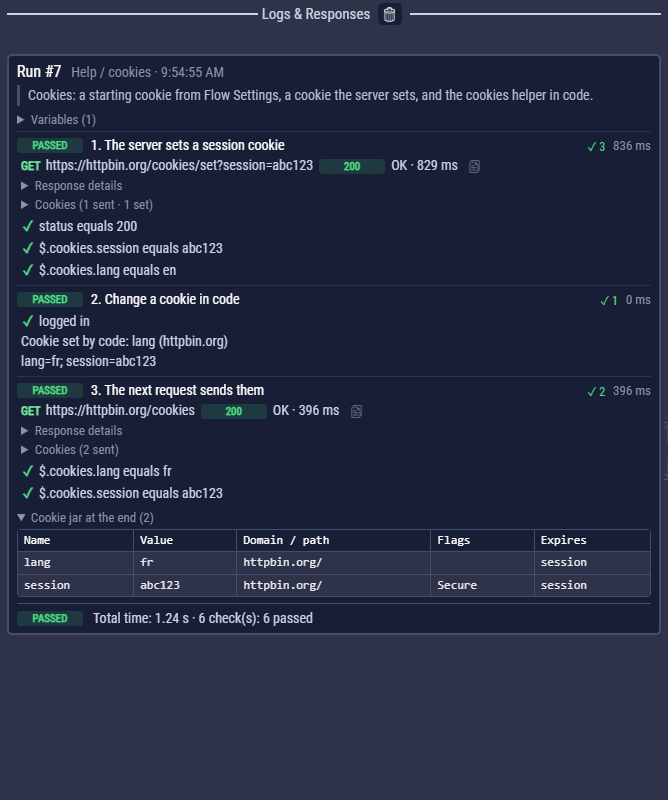
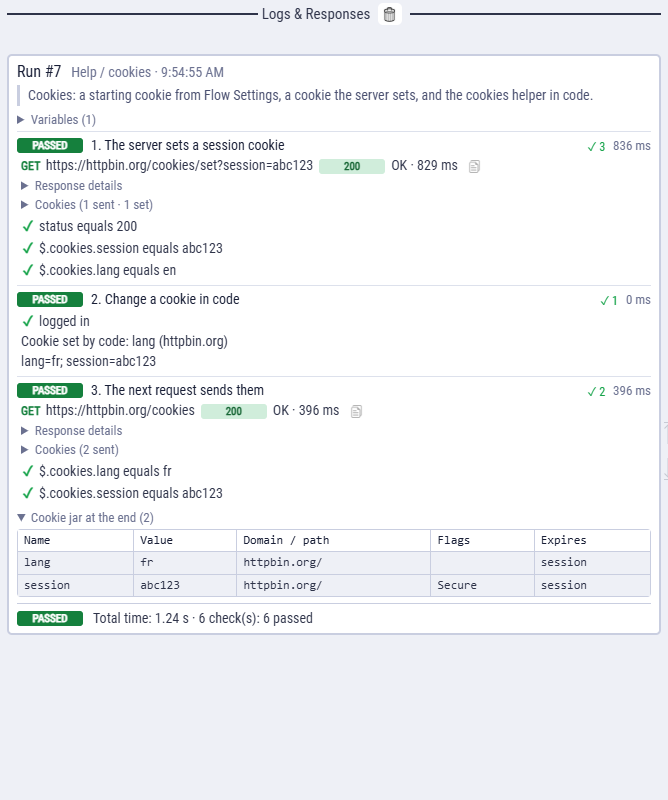
Values are shown as they are; a value that is one of your secrets shows as ••••••. HTML reports have the same, and exported flows print them with --verbose.
Starting cookies
Flow Settings → Cookies → Add Cookie adds cookies the jar holds before the first request: a session cookie copied from a browser, a feature flag, a consent cookie.
| Field | Meaning |
|---|---|
| Name, value | The cookie. $vars work, so the value can come from an environment or a secret. |
| Domain, path | Where it is sent: api.example.com, /. |
| Subdomains | Also send it to every subdomain. |
| Secure | Send it over https only. |
Untick a cookie to keep it without setting it. Starting cookies are saved with the flow and exported with it. A HAR import turns the browser's cookies into starting cookies.
Cookies in code
| Call | Does |
|---|---|
cookies.get(url, name) | The value the jar would send to url |
cookies.list(url?) | The cookies url would get, or the whole jar |
cookies.set(url, name, value) | Adds or changes one; also cookies.set(url, "name=value; Path=/; Max-Age=60") |
cookies.delete(url, name) | Removes one |
cookies.clear(domain?) | Empties the jar (or one domain) |
const sid = cookies.get($echoApi, "session");
check("logged in", sid === "abc123", { actual: sid });

cookies.set($echoApi, "lang", "fr");      // the next requests send lang=fr
log(cookies.list($echoApi).map((c) => c.name + "=" + c.value).join("; "));
The log notes each change code makes to the jar.