Data-driven runs
Run the same flow once per row of a CSV or JSON file. Each column becomes a variable, so one flow tests many users, inputs or edge cases, each with the answer it expects.
Example flow
examples/Help/data-driven.clem.json logs in once per row of files/logins.csv: three valid users that expect 200, and a wrong password that expects 400.
examples/Examples/18_data_from_json.clem.json does the same from a JSON file, files/products.json, whose values keep their types: numbers, booleans and lists.
The data file
username,password,expectedStatus,firstName,note
emilys,emilyspass,200,Emily,valid login
michaelw,michaelwpass,200,Michael,valid login
sophiab,sophiabpass,200,Sophia,valid login
emilys,not-her-password,400,,wrong password is refused- CSV: the first line names the columns; commas, semicolons or tabs separate the values (detected from the first line), and
"quoted"values may contain them, quotes ("") and line breaks.true/falseand numbers become booleans and numbers. - JSON: an array of objects,
[{ "user": "alice", "age": 31 }, …]. Values keep their JSON types, objects and arrays too.
A column user (or $user) is the variable $user, usable anywhere a variable works.
Setting it up
Flow Settings (the gear in the title bar) → Data-driven runs → Data file. Pick the file with Browse (a file from elsewhere can be copied into the project's files folder). The panel shows the whole file as a table.
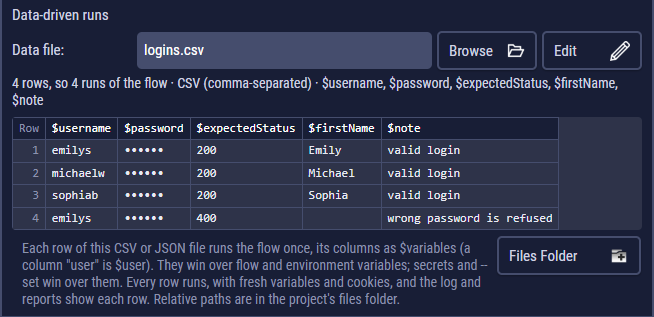
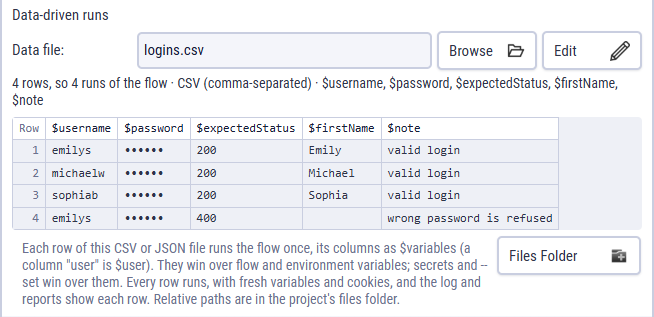
Edit opens it in a grid: change any cell or column name, add or remove rows and columns, and Save writes it back in its own format (CSV keeps its separator; JSON keeps its value types). Enter or ↓ moves to the next row.
Use the columns in the steps. In the example, the login's check is status equals $expectedStatus, and the greeting step has the run conditional $expectedStatus == 200, so it only runs for valid logins.
How the rows run
- Every row runs, even after a failed one, each time from scratch: variables start again from the flow, the environment and that row; cookies and code state don't carry over (OAuth 2.0 tokens are reused).
- A row's values win over flow and environment variables; secrets and
--setwin over them. - The run fails when any row fails. Test Request uses the first row's values.
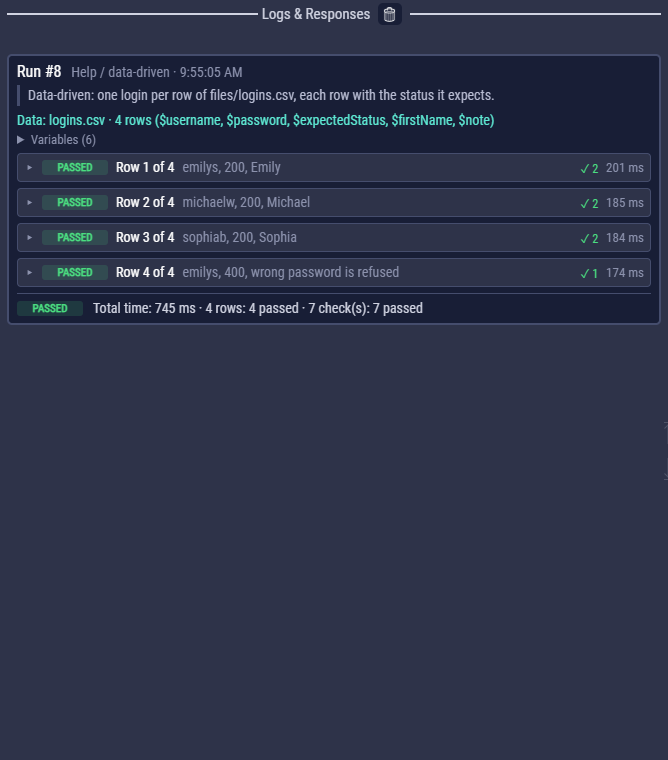
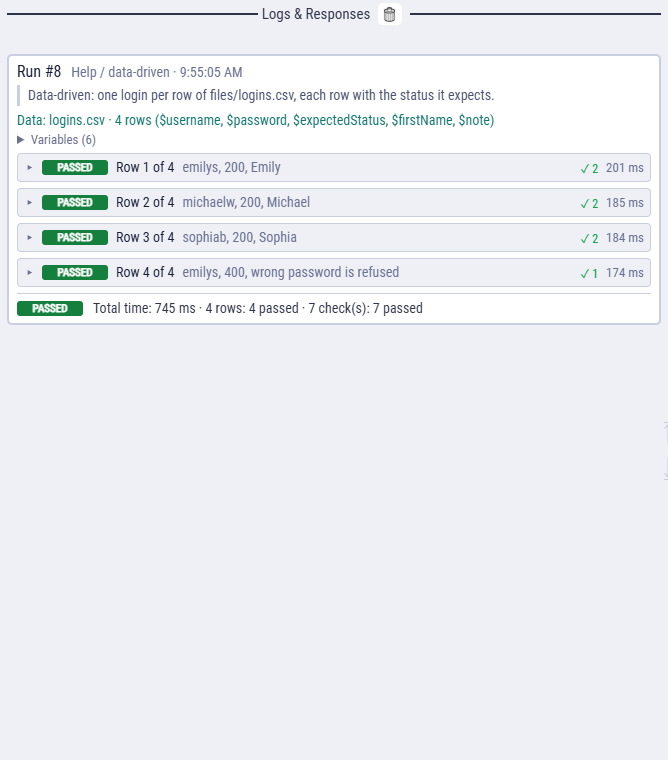
Reports show each row with its steps, JUnit XML has a test suite per row (Login [row 2: bob]), and the JSON summary lists every row.
In exported flows
An export takes the data file along (in <name>.files) and runs it by default.
node logins.js                     # every row of the flow's own file
node logins.js --data other.csv    # another file (relative to the current folder)
node logins.js --data none         # once, without data
clem-suite.js passes --data to every flow.